Overlay Designer
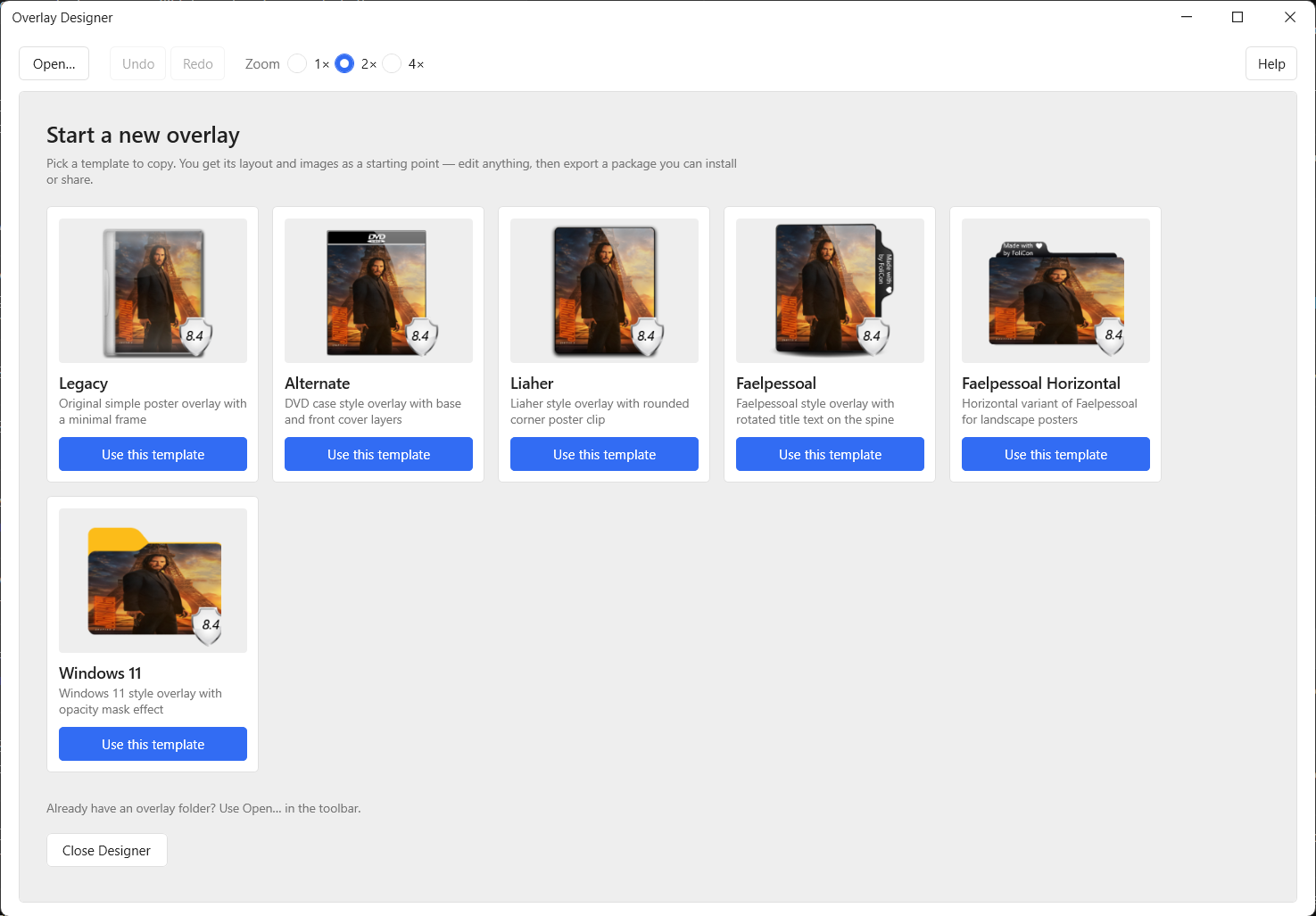
The Overlay Designer is a built-in visual editor introduced in FoliCon v5.3.0. It lets you create your own custom poster icon overlay styles directly inside FoliCon, without writing any code.
Features
With the Overlay Designer, you can:
Design visually: Use a drag-and-drop / WYSIWYG interface to build your overlay.
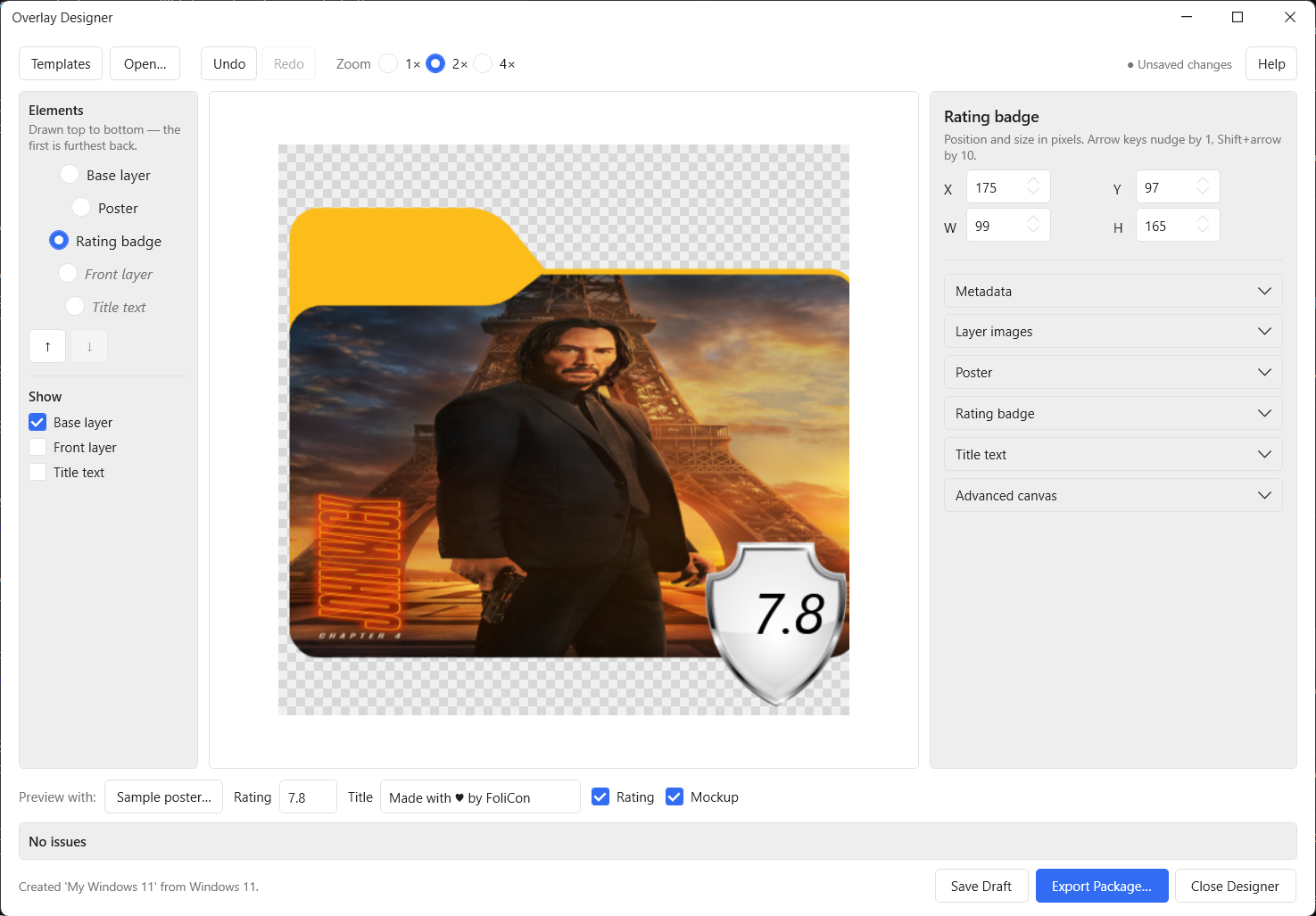
Adjust layout: Change the positioning and layout of elements like the rating badge, title text, and overlay shape.
Configure text styling: Customize the font, size, colour, and weight of your text.
Real-time live preview: See exactly how the overlay looks on an actual folder icon in real-time as you design.
Save as a custom style: Save your finished overlay as a reusable custom style.
Easy access: Your saved custom overlays automatically appear in the overlay picker alongside built-in options and those from the Overlay Store.
Typical Design Workflow
How to design a custom overlay
Open Poster Icon Config and launch the Overlay Designer.
Start from a blank canvas or duplicate an existing overlay to use as a starting point.
Adjust the elements on the canvas — move, resize, and style them to your liking.
Watch the live preview panel update in real time to ensure your design looks perfect.
Give your new overlay a descriptive name.
Save your design. It immediately appears in the overlay list ready to be used.
Sharing Your Overlay
Once you're happy with your design, you can export it as an overlay package and share it with the community via the FoliCon-Overlays repository. See Creating an Overlay for a full guide on exporting and sharing.