Professional Mode
Professional mode is for those who want high-quality professionally made folder icons for their media.
Poster mode initially had Google search as the source for the icons, but it was not reliable, so it was later changed to use DeviantArt API.
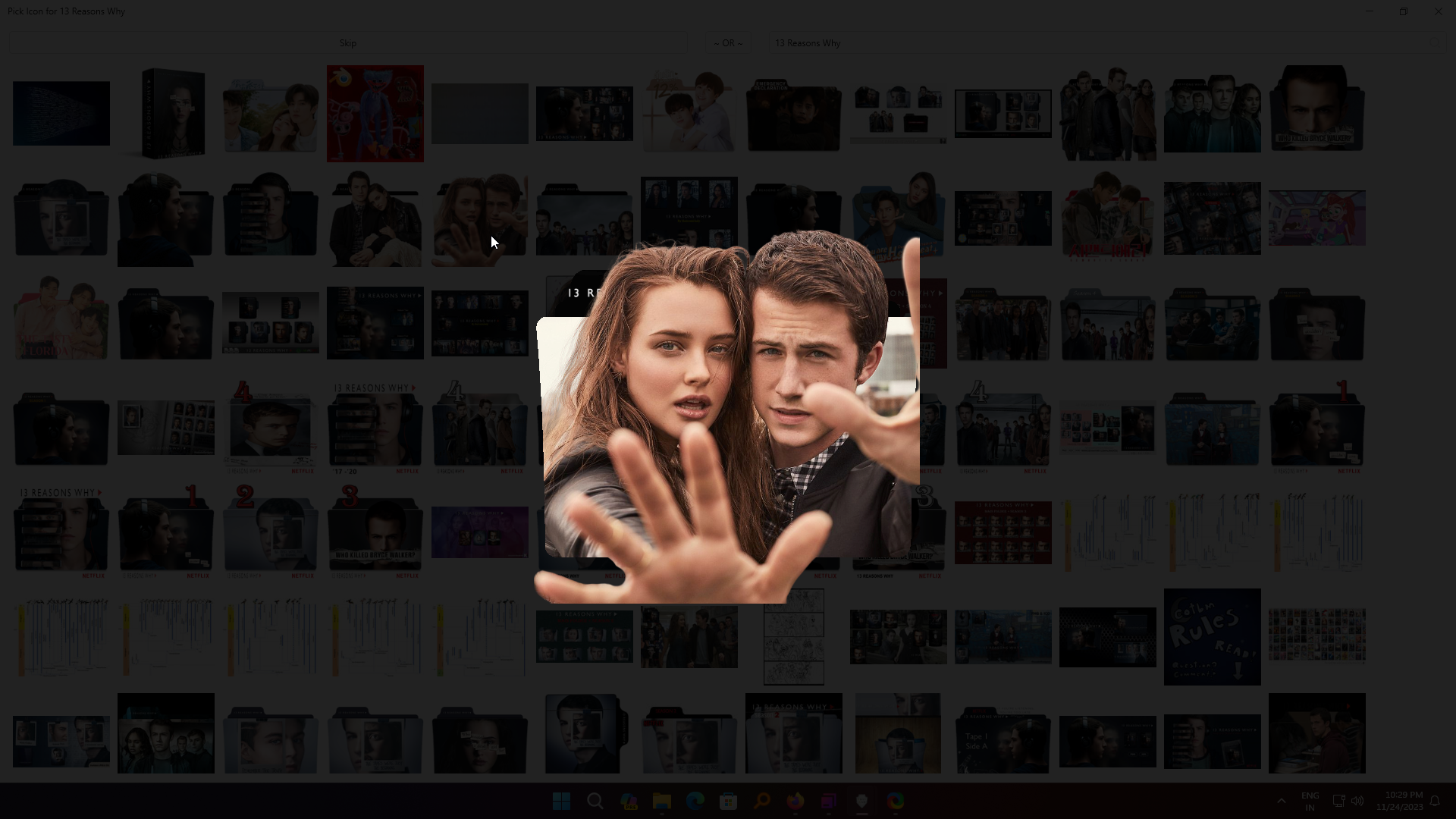
It works very simply, you search for the media, and it shows you the icons, and you can choose from them.

See the full preview of any image.
Watcher-Exclusive Downloads (v5.1.0)
DeviantArt lets creators mark some icon packs as exclusive to their watchers (followers). FoliCon v5.1.0 added the ability to download these watcher-exclusive icons.
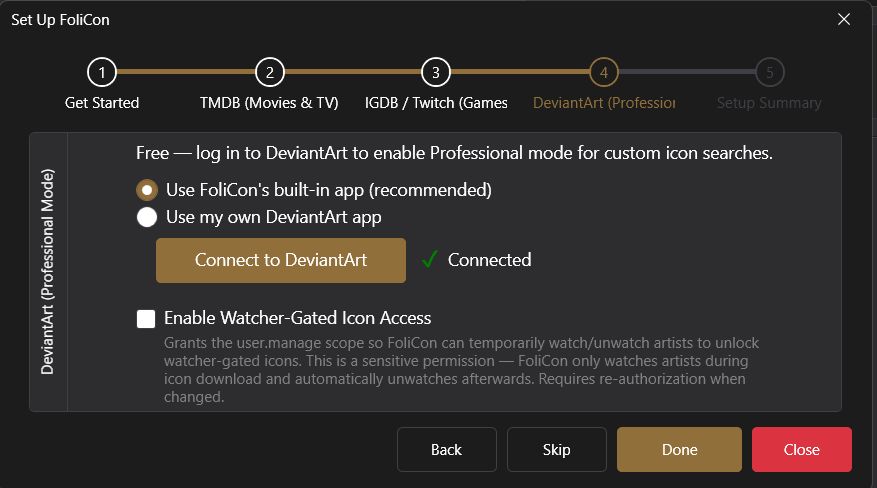
To access watcher-exclusive content, you need to authenticate with DeviantArt. There are two ways:
OAuth (recommended): FoliCon guides you through a DeviantArt OAuth login in a browser window. Once authorized, FoliCon can access watcher-exclusive content automatically.
Manual credentials: Enter your DeviantArt Client ID and Client Secret in .
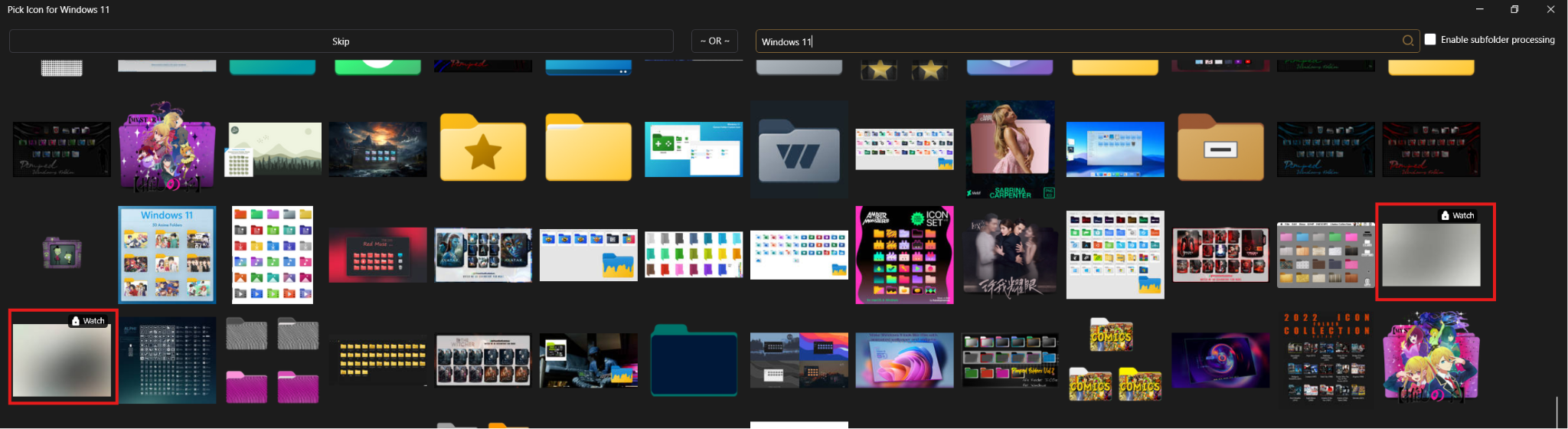
When browsing in Professional Mode, watcher-exclusive icons show a special badge. If you're authenticated and watching that creator, you can download them just like any other icon.
DeviantArt Availability and Download Limits
Availability: DeviantArt may occasionally be unreachable due to rate limiting or outages. FoliCon shows a real-time notification in the app when DeviantArt is unavailable. Poster Mode continues to work normally when DeviantArt is down.
Weekly download limits (v5.3.0): DeviantArt has introduced weekly download limits. If you hit the limit, FoliCon shows a clear error message. This mainly affects the Extract Gallery feature. The limit resets weekly on DeviantArt's schedule.