Getting Started
Welcome to FoliCon! Version 5.0 introduces a Bring Your Own Key (BYOK) system, giving you full control over the services FoliCon uses to fetch metadata and images.
System Requirements
Before downloading FoliCon, ensure your system meets the following requirements:
Operating System: Windows 10 or Windows 11
.NET Runtime: .NET 10 or higher. You can download it from Microsoft's official site.
WebView2 Runtime: Pre-installed on Windows 11. If you are using an older version or it's missing, download it from the Microsoft Edge Developer site.
Download and Install
You can always find the latest release of FoliCon on our GitHub page.
Download FoliCon
Go to the FoliCon Latest Release page.
Download the appropriate package for your system.
Extract the contents to your preferred location and run the executable.
First Launch Wizard (API Keys)
On your first launch, before reaching the main window, you will be greeted by the onboarding wizard. To use FoliCon, you must set up at least one API key for the services you intend to use.
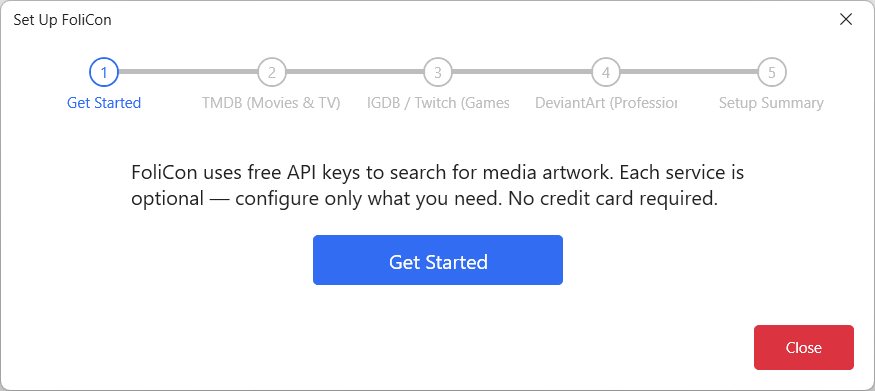
You only need to configure the keys for the features you actually want to use. If you don't plan on managing games, you can skip the IGDB setup.
The Movie Database (TMDB)
TMDB provides metadata and images for movies and TV shows.
Get a TMDB API Key
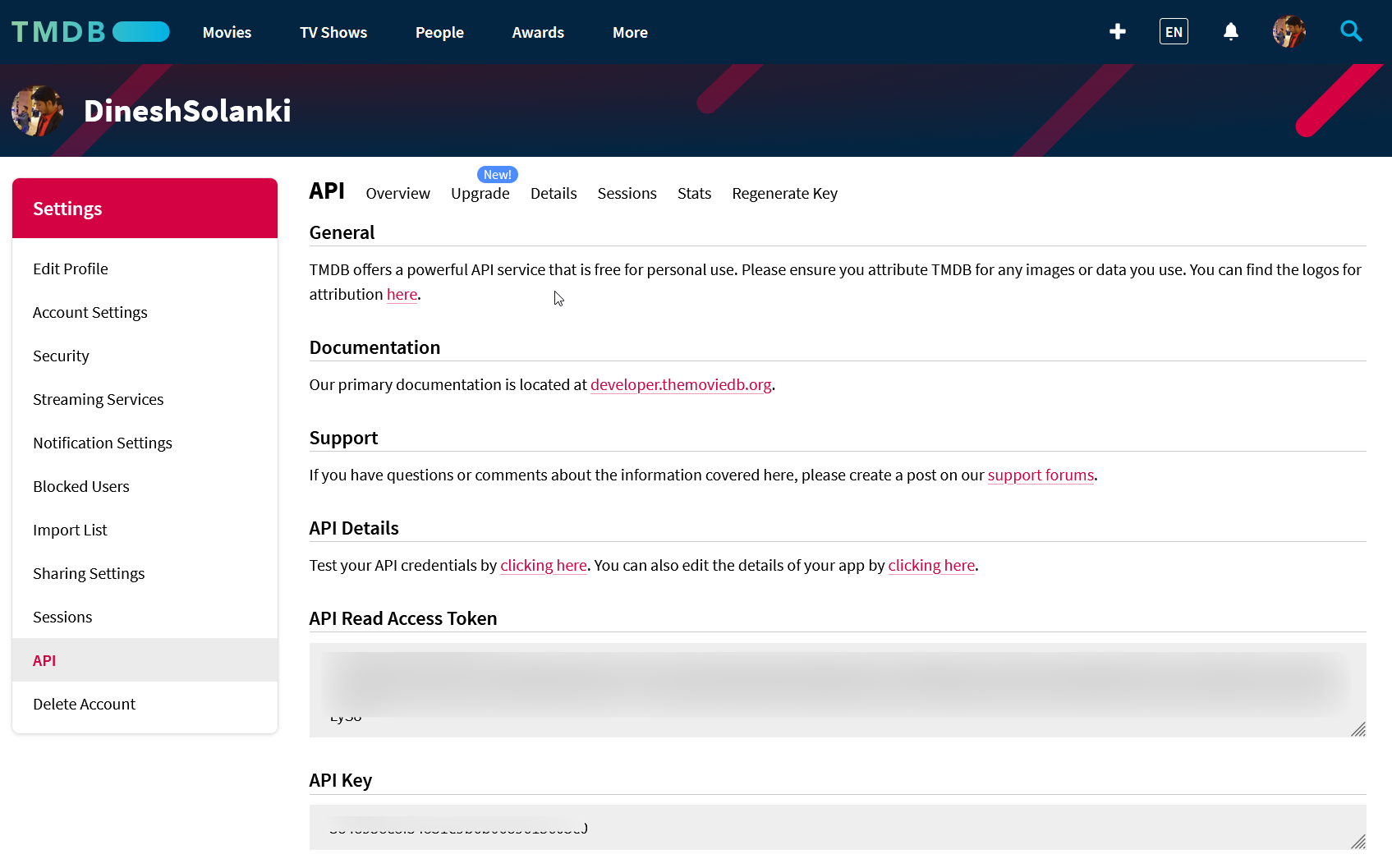
Create a free account at TMDB.
Once logged in, navigate to your Settings.
Go to the API section from the left sidebar.
Follow the instructions to request an API Key.
Copy the generated API Key into the FoliCon wizard.
Internet Game Database (IGDB)
IGDB (via Twitch) is used for fetching metadata and artwork for games.
Get IGDB Client ID and Secret
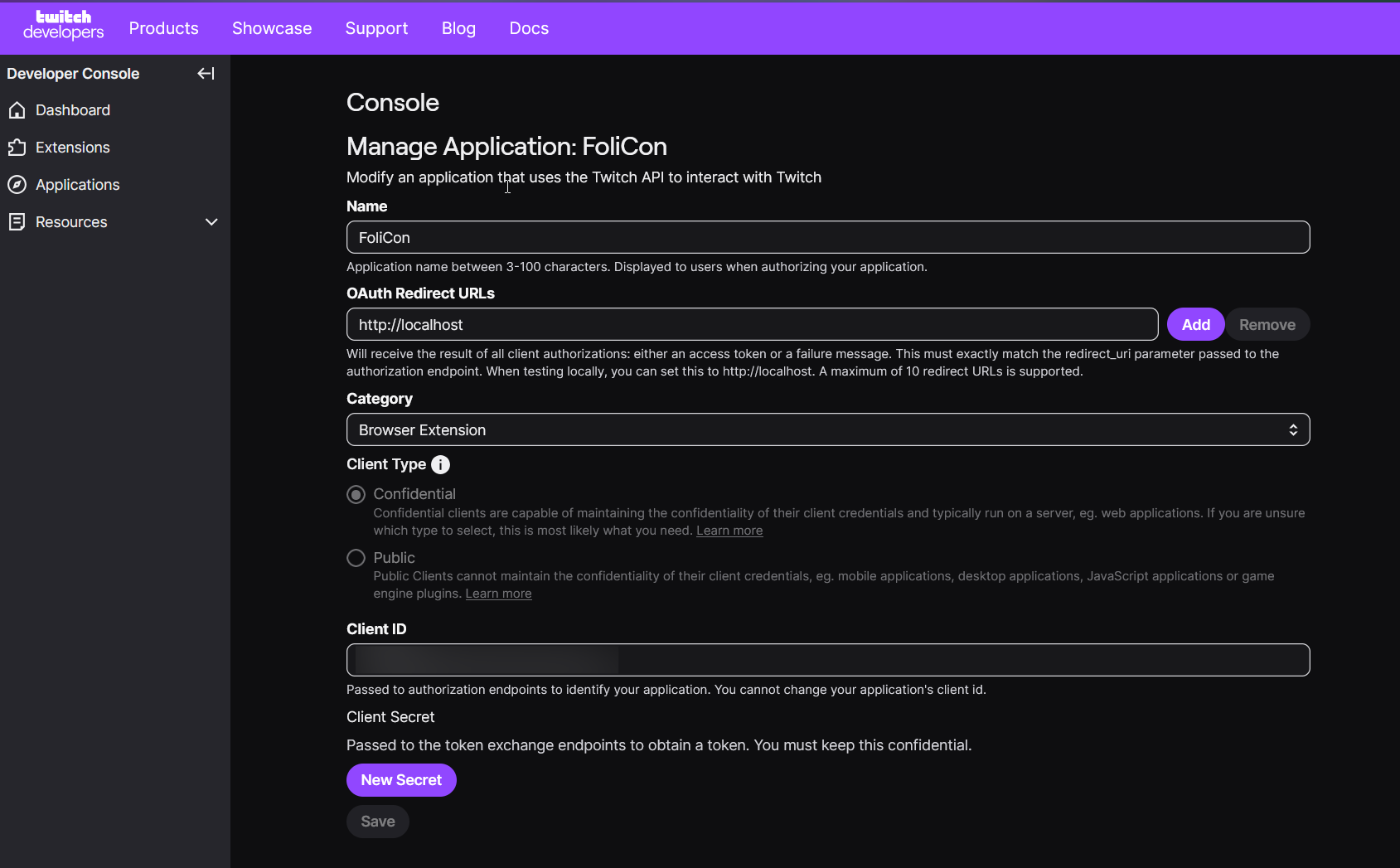
Create a Twitch Developer account.
Navigate to your developer console and register a new application.
Once the app is created, generate a Client Secret.
Copy both the Client ID and Client Secret into the FoliCon wizard.
DeviantArt
DeviantArt integration is required if you want to use Professional Mode for finding custom, user-made folder icons.
Get DeviantArt Client ID and Secret
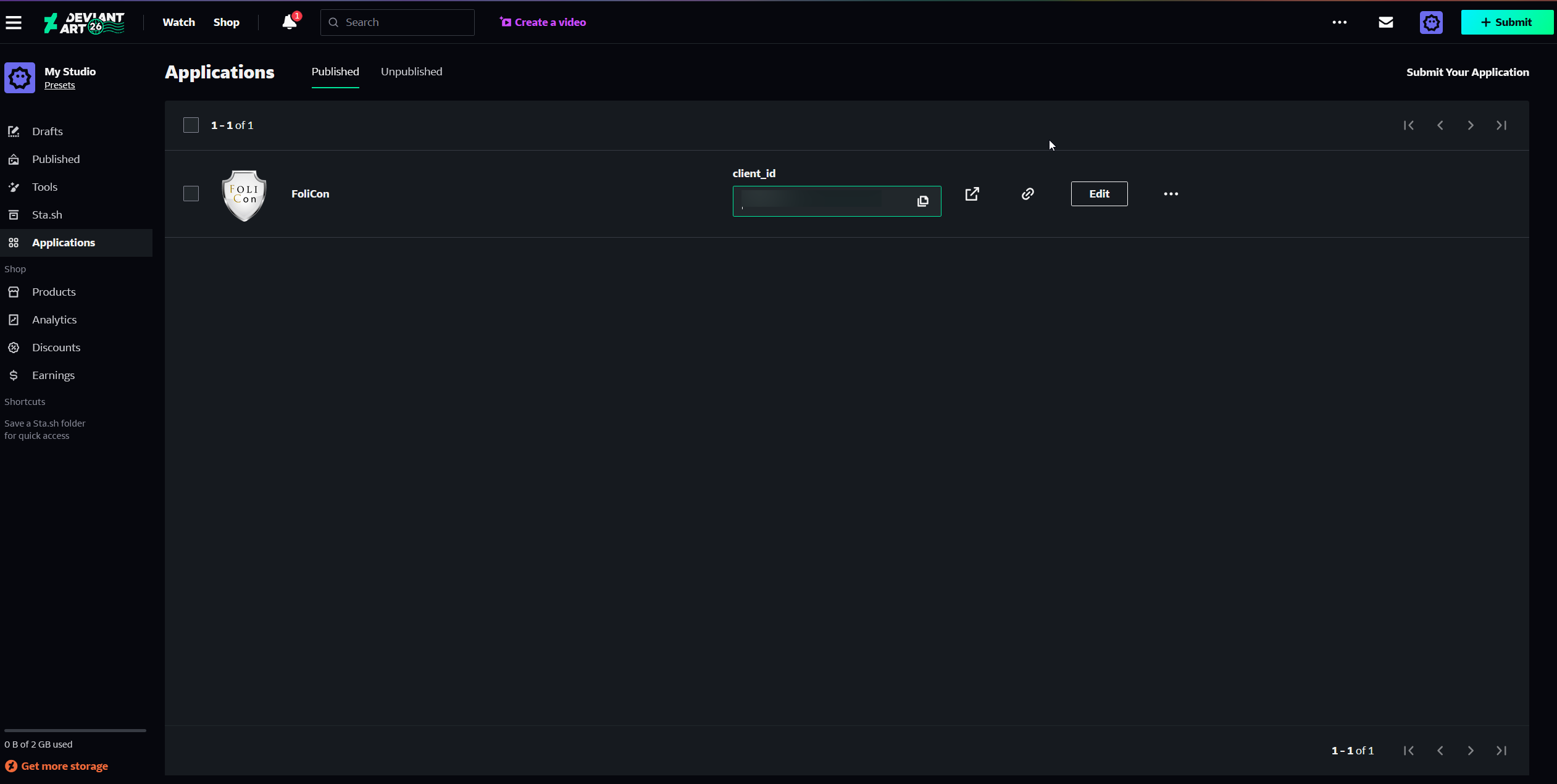
Sign in and go to the DeviantArt Developers page.
Register a new application.
Once registered, locate your application's settings.
Copy the Client ID and Client Secret into the FoliCon wizard.
Updating Your Keys Later
If you skipped a step or need to change a key later, you can easily access the settings from the main application.