API Keys
FoliCon uses three external APIs to fetch metadata, artwork, and icons. You need to provide your own API keys or credentials for these services.
Setup API Keys
The Movie Database (TMDB) is used for movies, TV shows, and anime search in Poster Mode.
How to get a TMDB key
Go to themoviedb.org and create a free account.
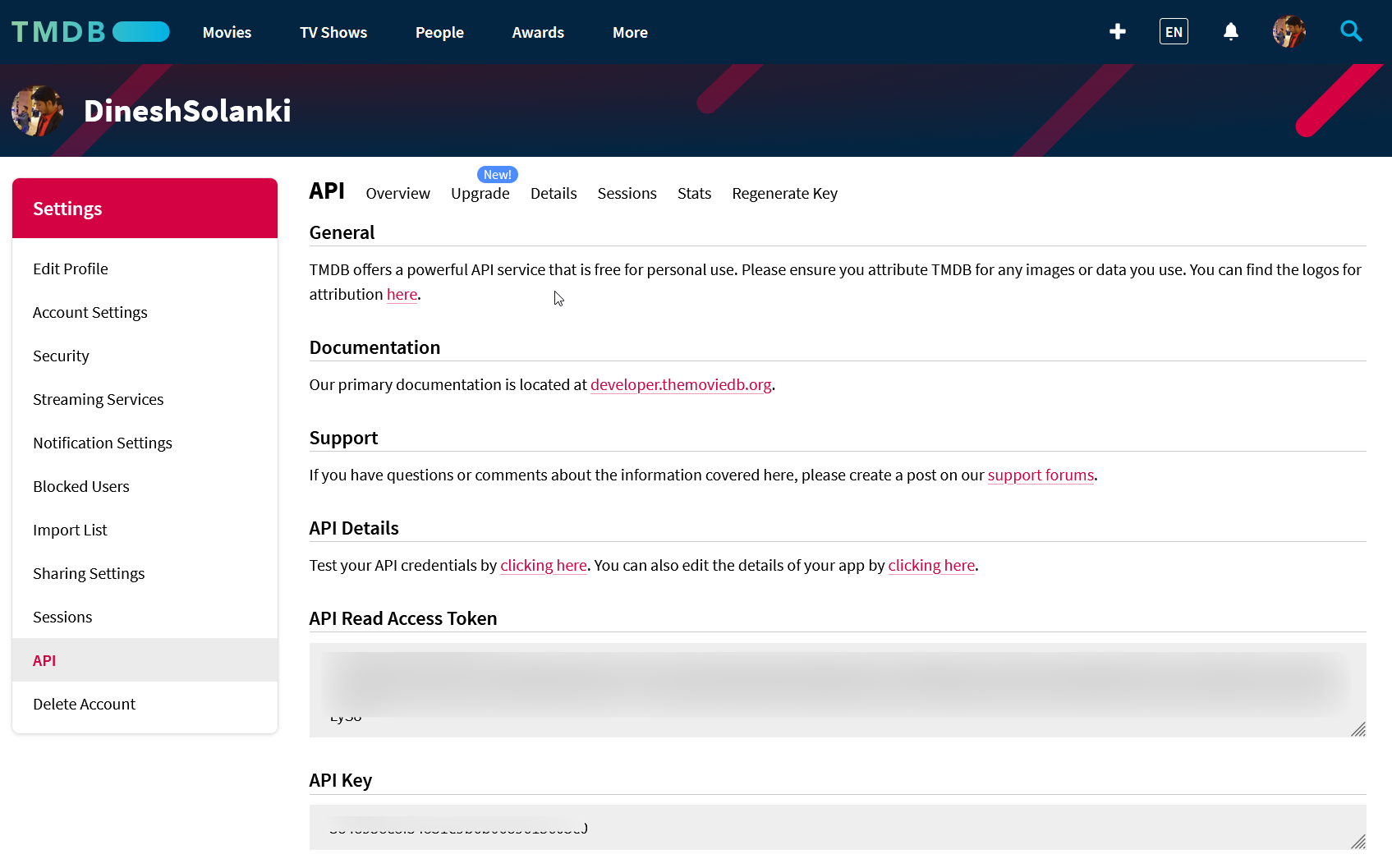
Navigate to your profile Settings, then open the API section.
Click Request an API Key and choose the Developer option.
Fill out the required form details.
Copy the API Read Access Token (v4 auth).
In FoliCon, paste the key into the TMDB field of the API Keys settings.
The Internet Game Database (IGDB) is used for game search in Poster Mode. It requires a Twitch Developer account.
How to get IGDB credentials
Go to the Twitch Developer Console and log in.
Click Register Your Application.
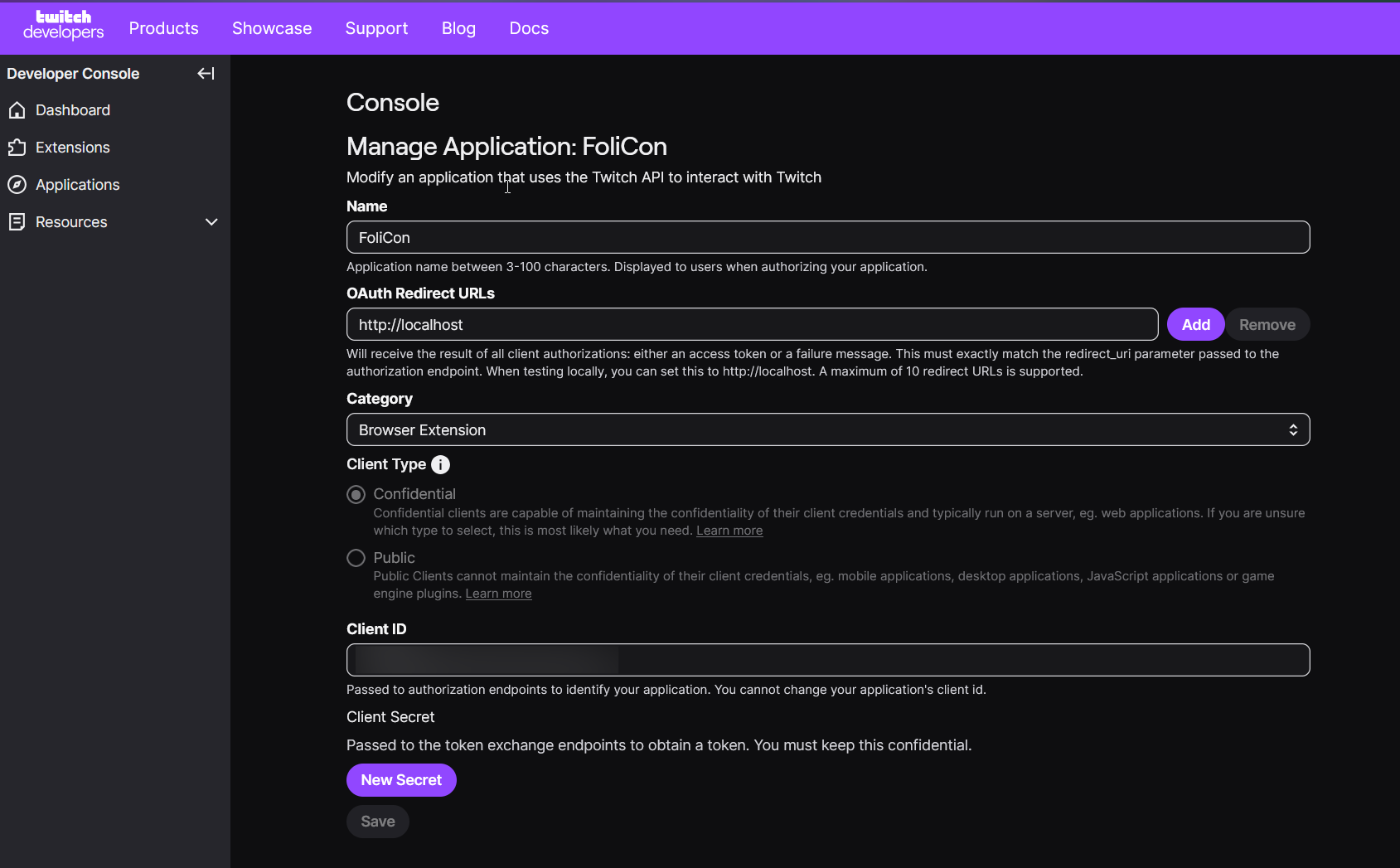
Set the OAuth Redirect URL to
http://localhost.Select Application Integration for the Category and submit.
Copy the Client ID and generate/copy the Client Secret.
In FoliCon, paste both the Client ID and Client Secret into the corresponding IGDB fields.
DeviantArt is used for Professional Mode browsing and downloading user-created icons.
How to get DeviantArt credentials
Go to the DeviantArt Developers Portal.
Click Register Application.
Set the OAuth2 Redirect URI to
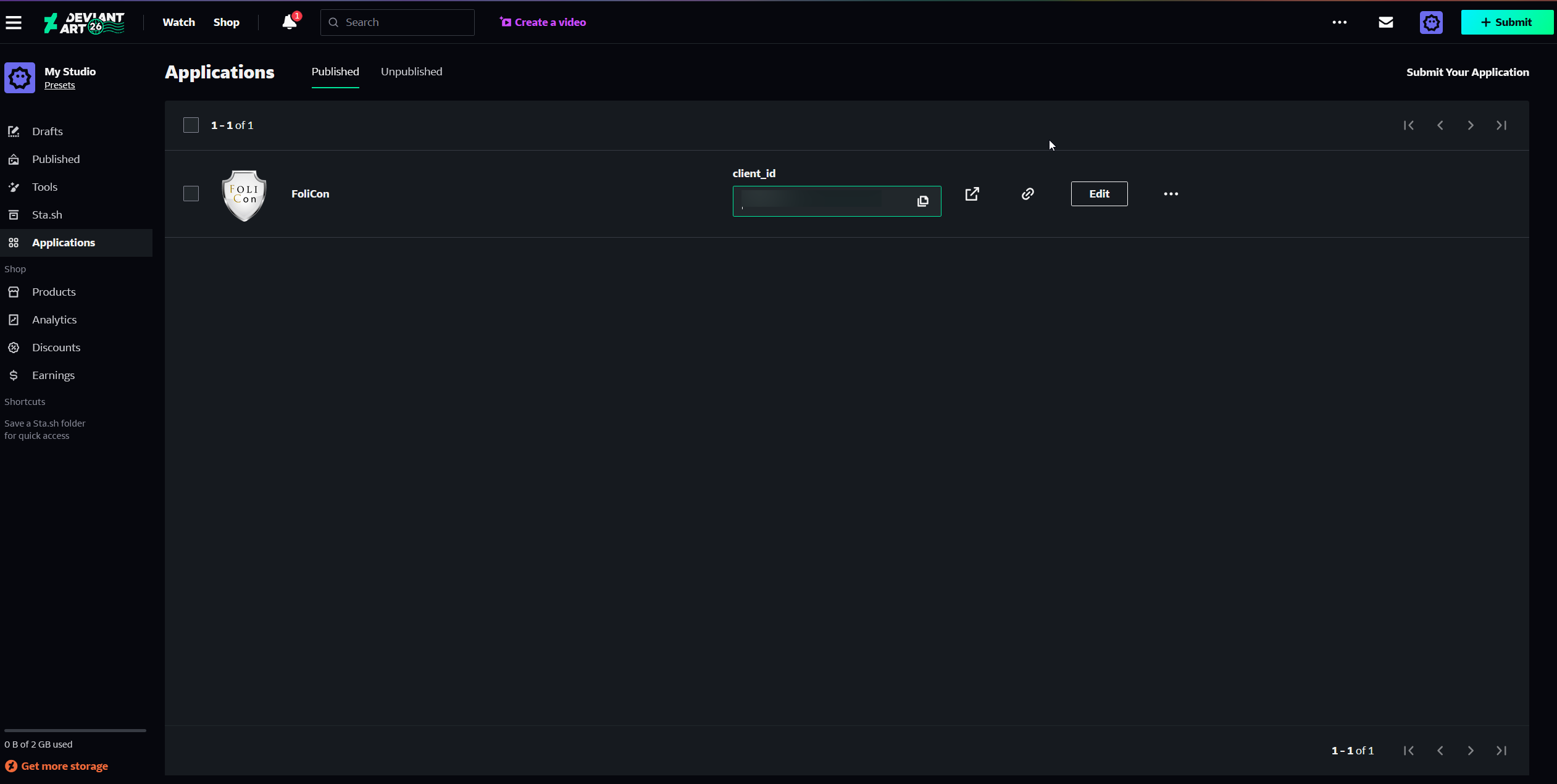
https://localhost.Submit the form to get your Client ID and Client Secret.
In FoliCon, paste both into the DeviantArt fields.
Managing Keys in FoliCon
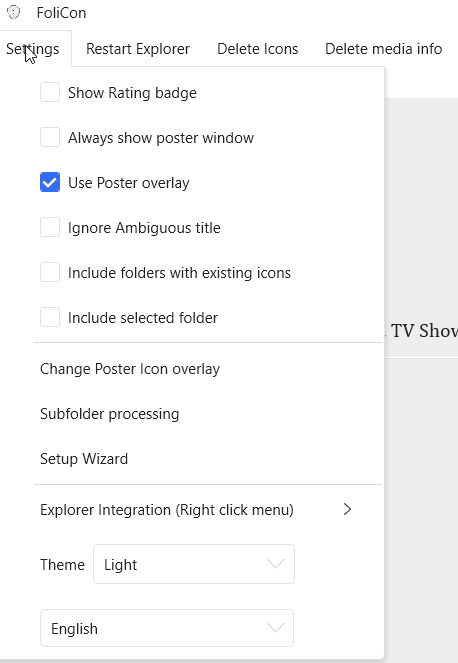
You can access the key management panel from . The first-launch wizard also displays this panel to help you get started quickly.
Troubleshooting
Service Unavailable: If a service shows 'unavailable' after entering a key, double-check for extra spaces when copying the key.
Weekly Download Limits: DeviantArt may show weekly download limit warnings. This is a DeviantArt-side limit on your account, not an issue with your API key.
Re-entering Keys: To update or re-enter a key, open the API Keys panel, clear the field entirely, paste the new key, and save.